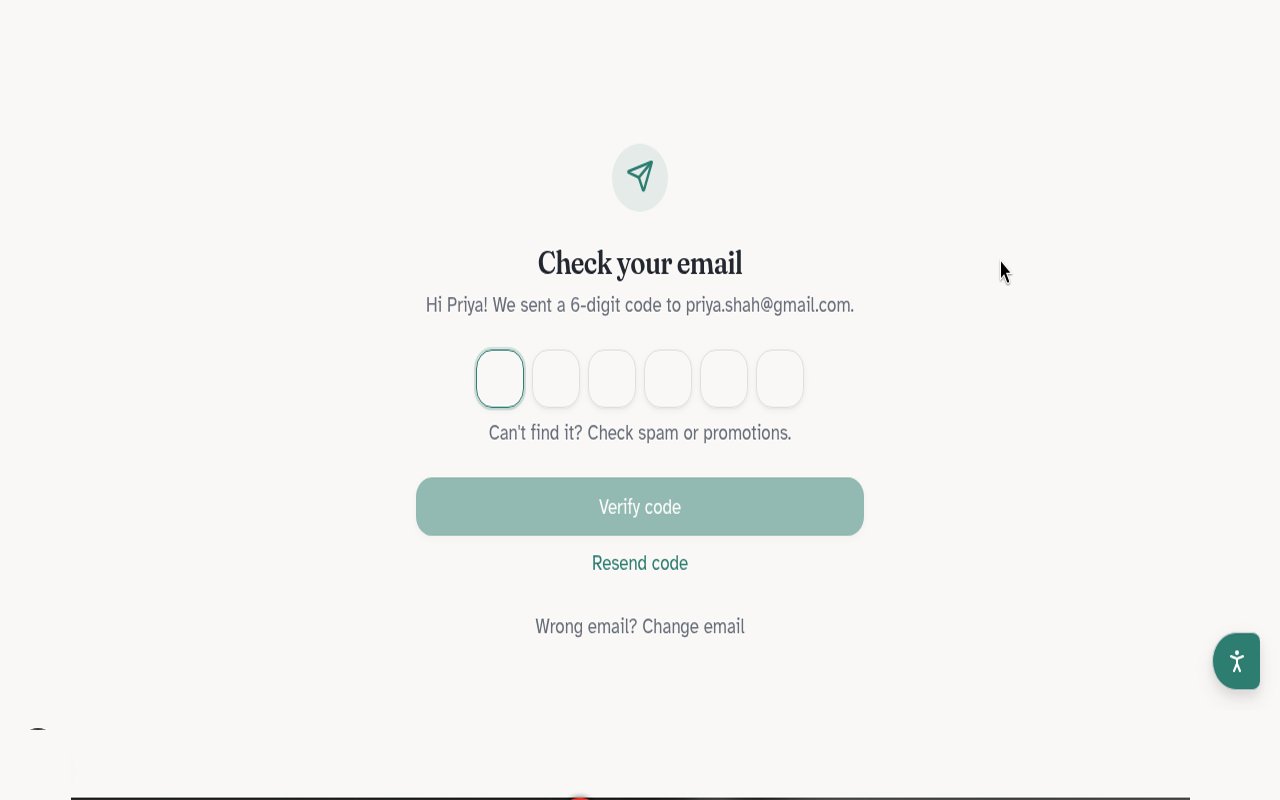
Email code (default)
Sign-in defaults to an email one-time code (OTP). Enter your email, then enter the code Kinse sends.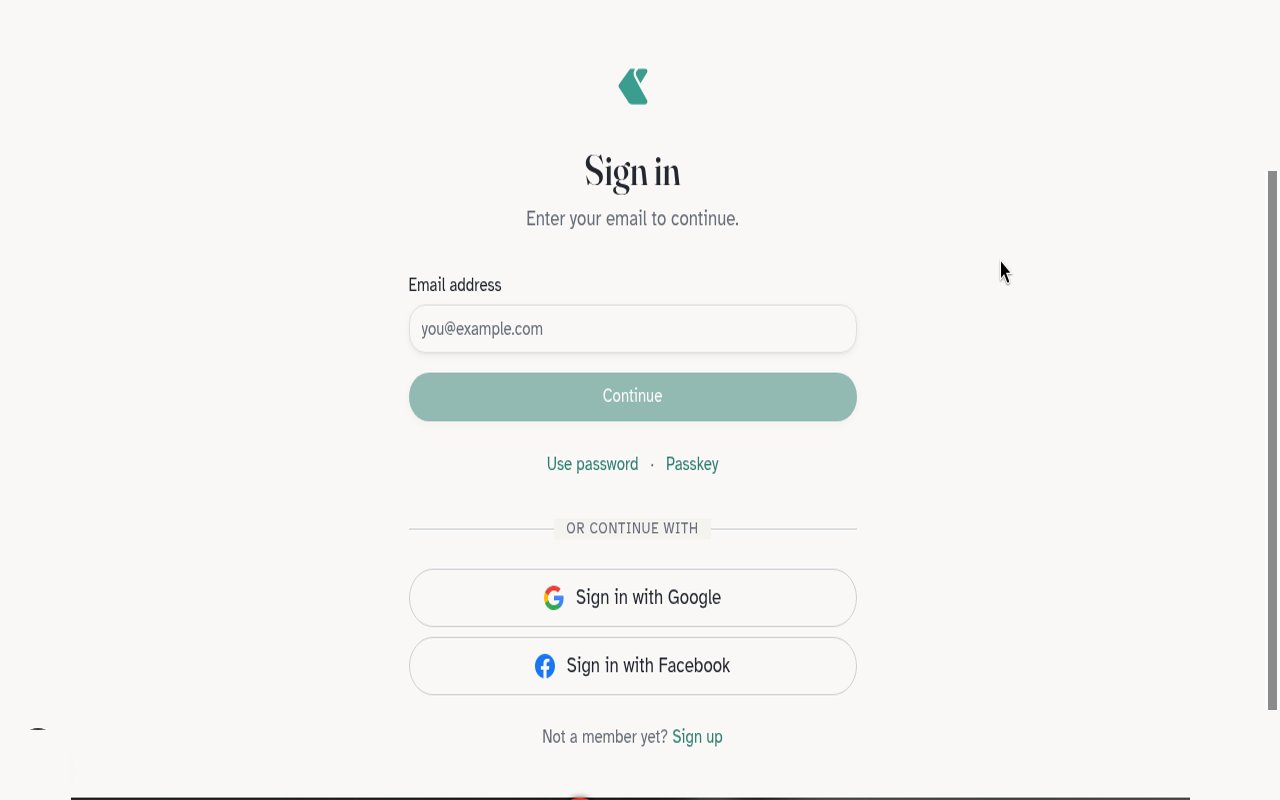
Use password
You can choose Use password instead of the email code. Enter your email and password to sign in. If you forget your password, choose Forgot password, enter your email, follow the reset link, then sign in again. Check spam if the email does not arrive within a few minutes. For more login troubleshooting, see Troubleshooting.Check your email
When Kinse sends a 6-digit code, enter it on Check your email, then choose Verify code.