

Views
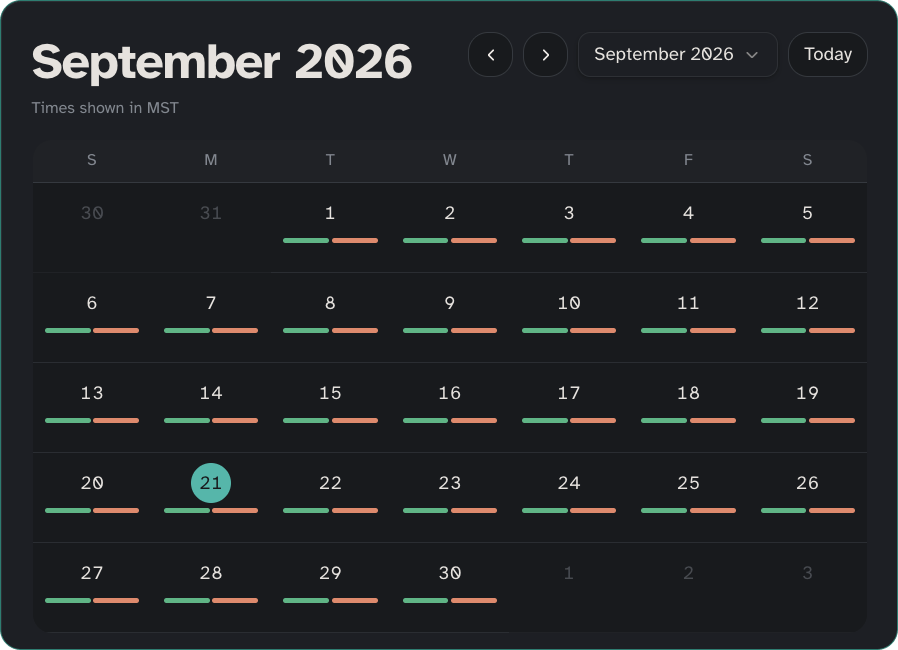
The calendar defaults to a week view. You can switch to a month view when you need a wider look.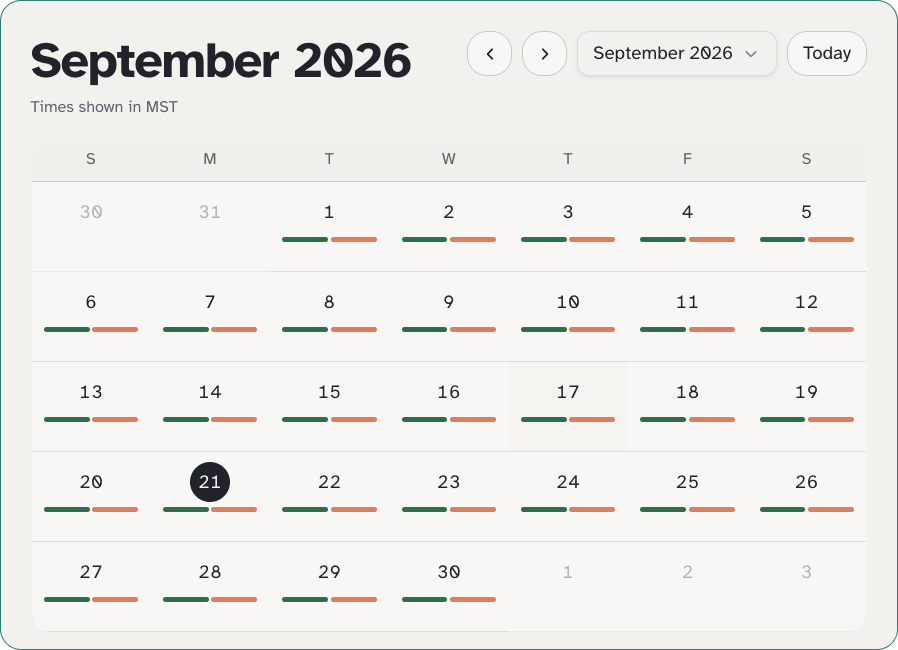
- Next up: what is coming soon
- Scheduled: what is already set
- The selected-day list for the day you choose
How Calendar fits with other pages
- Appointments: add and edit appointment details
- Timeline: how the call went after the fact
- Check-ins: set the days and times Cora calls