

Where to open it
- Calls → Voice
- Calls → Check-ins or Calls → Medications, where you may see Have Cora call or Have Cora call followed by their first name
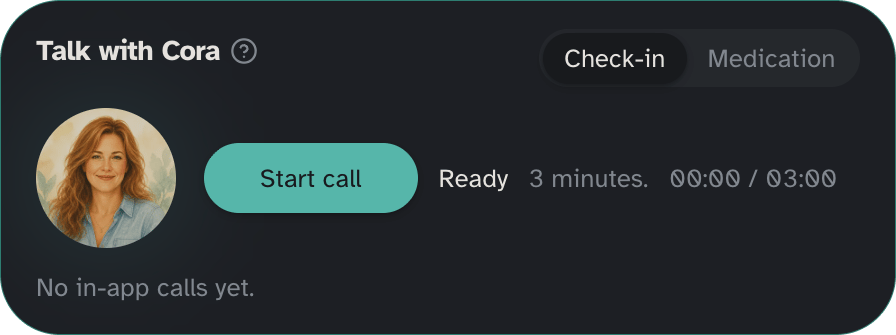
Length
The in-app try is a check-in only (about 3 minutes). It is not a medication reminder dial and not an outbound phone call to your loved one.Daily limit
You can try a check-in with Cora up to 5 times per day. The app shows how many you have left, for example 3 of 5 left today. When you are out, you see None left today. or You used all 5 check-ins today. Try again tomorrow.Start a check-in
- Open Try a check-in with Cora from Calls → Voice, Check-ins, or Medications.
- Allow the microphone if asked (only for the allow-mic step).
- Choose Start check-in.
- Choose End check-in when you are done.
After the try
Try a check-in with Cora does not replace outbound phone check-ins. When you want Cora to call them on the phone on a schedule:- Set a time under Calls → Check-ins.
- Choose a plan in Settings → Billing if you have not already.