

How medication reminders work
At the scheduled time for each medication, Kinse places a phone call to your loved one. Cora identifies which medication is due, prompts them to take it, and waits for a spoken confirmation. If a medication reminder is within 15 minutes of a phone check-in, Kinse may combine them into a single call so your loved one is not interrupted more than necessary.Where you see whether meds were taken
On Home, the person row shows:- Meds taken with a dash when there are no active medications
- Meds taken · 7d with a percent when medications are on file
Medications list
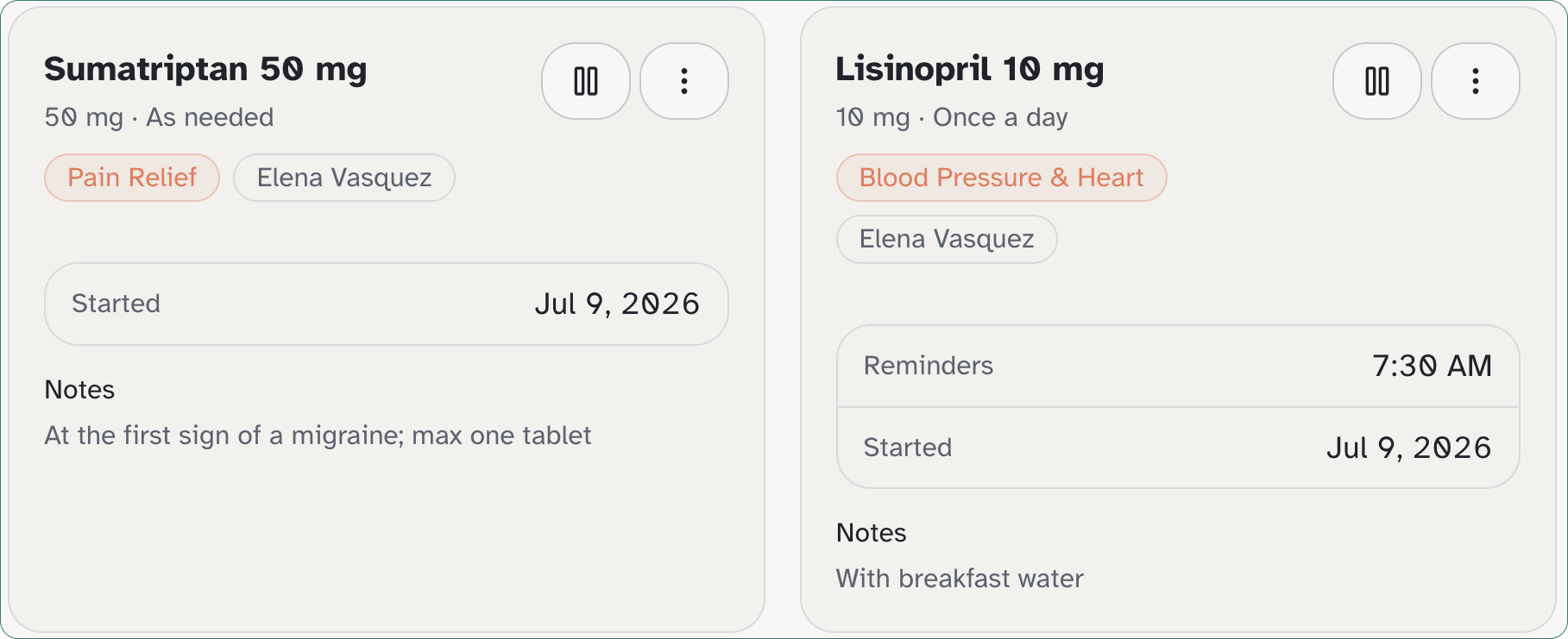
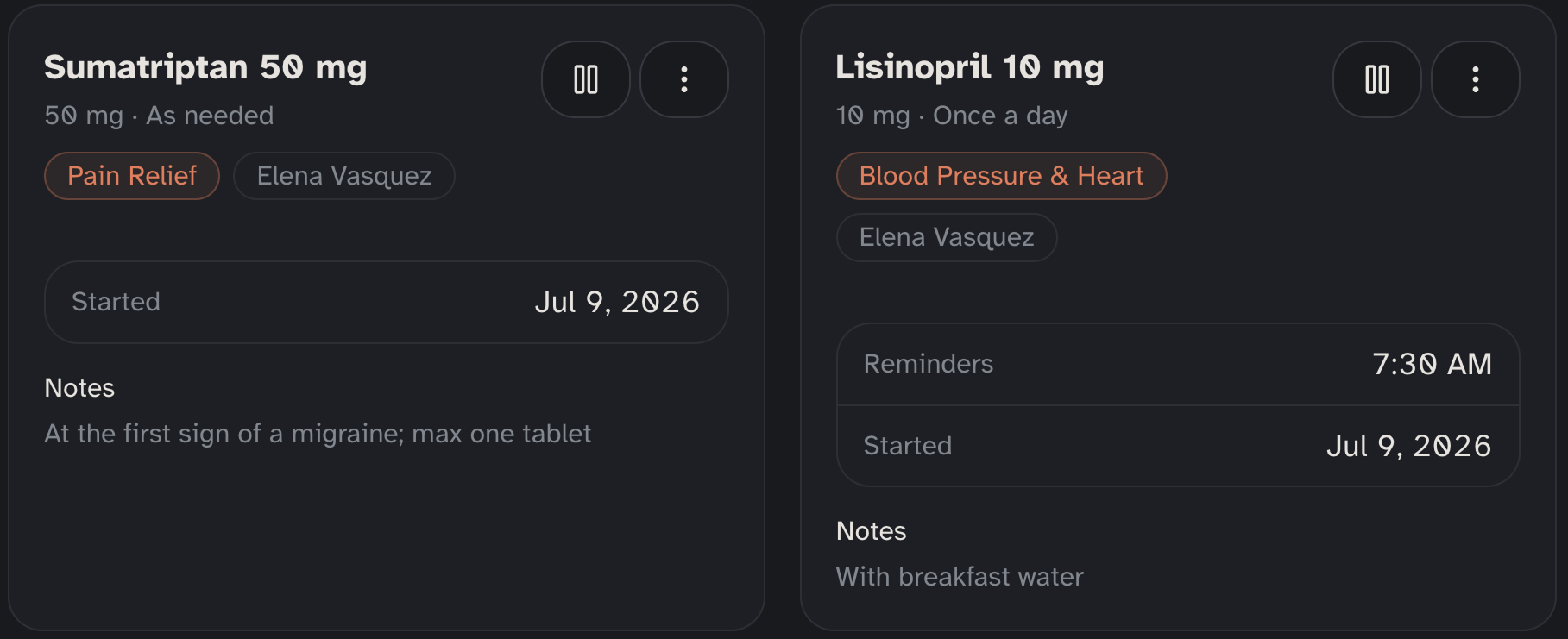
Add and edit medications under Calls → Medications. Inventory rows use fields such as Reminders, Started, Until, Supply, and Reminder call. There is no Taken column on that list. Medications are not part of account setup. For each medication, you provide:- Medication name: for example, “Lisinopril”
- Dosage: for example, “10mg”
- Times or as needed (as-needed meds have no Reminders row and do not trigger a reminder call)
What happens when a dose is missed
If a scheduled medication is not confirmed, Kinse can mark it as missed and notify you. Review how they’re doing on Home and on Timeline Alerts. See Alerts for how alerts are delivered.How to add a medication
1
Open Medications
Go to Calls → Medications and select the person you are managing.
2
Choose Add medication
Choose Add medication to open the medication form.
3
Enter the medication details
Fill in the medication name, dosage, how often it is taken, and reminder times. For example:
- Name:
Metformin - Dosage:
500mg - Reminder times:
8:00 AM,8:00 PM
4
Save
Choose Save. The medication is added immediately and reminders begin at the next scheduled time.