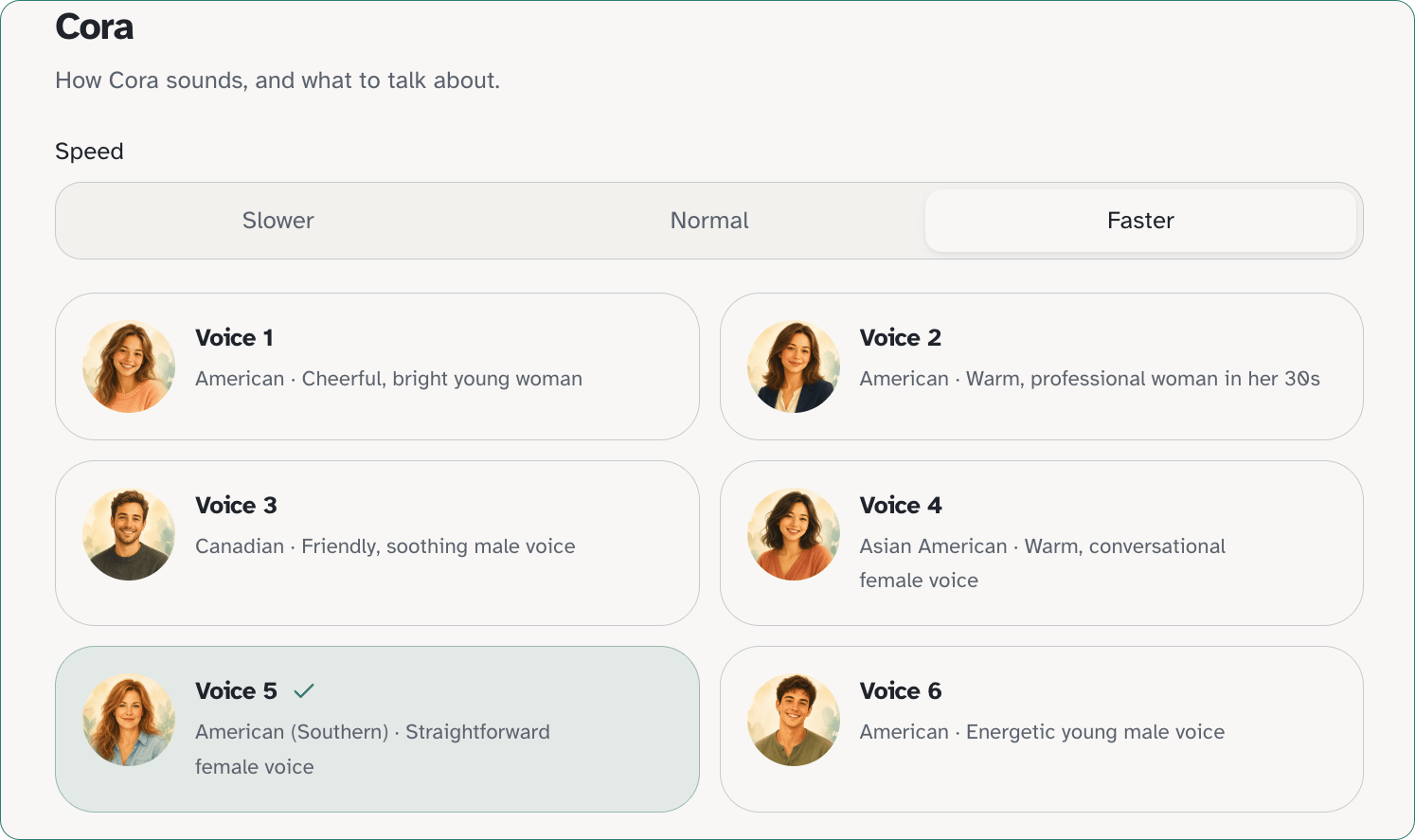
Voice is where you choose how Cora sounds and what to talk about. Open Calls → Voice. You will see How Cora sounds, and what to talk about. Use the recipient tabs if you support more than one person. If no one is set up yet, you see Add a person first to choose a voice. Cora is the voice on the call. Voices are mixed male and female. Cora is not she or her.

Try a check-in with Cora

Calls → Voice includes Try a check-in with Cora, the in-app check-in available before you choose a plan (no credit card). For the daily limit, Start check-in, and microphone steps, see Try a check-in with Cora.
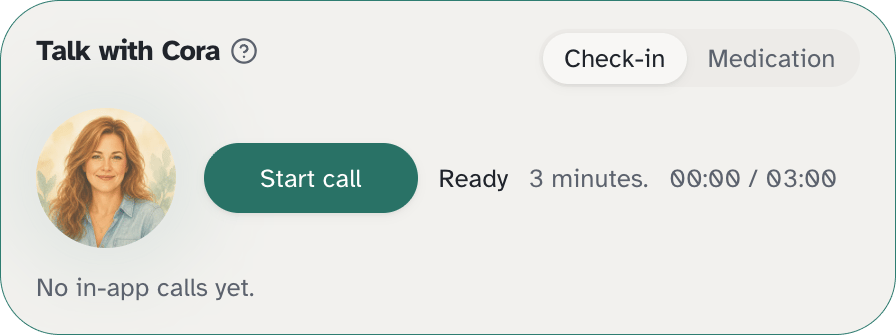
Try a check-in with CoraTry a check-in with Cora
Outbound phone check-ins are separate. Set times under Calls → Check-ins, and choose a plan in Settings → Billing when you want Cora to call them on the phone.

Preferred name

Enter the preferred name Cora should use, then click Save name. You may see Saved or Cora will use this name on calls.

Voices

Pick one of six voices. The labels in the app are Voice 1, Voice 2, Voice 3, Voice 4, Voice 5, and Voice 6.

Speed

Choose how fast Cora speaks:
  • Slower
  • Normal
  • Faster
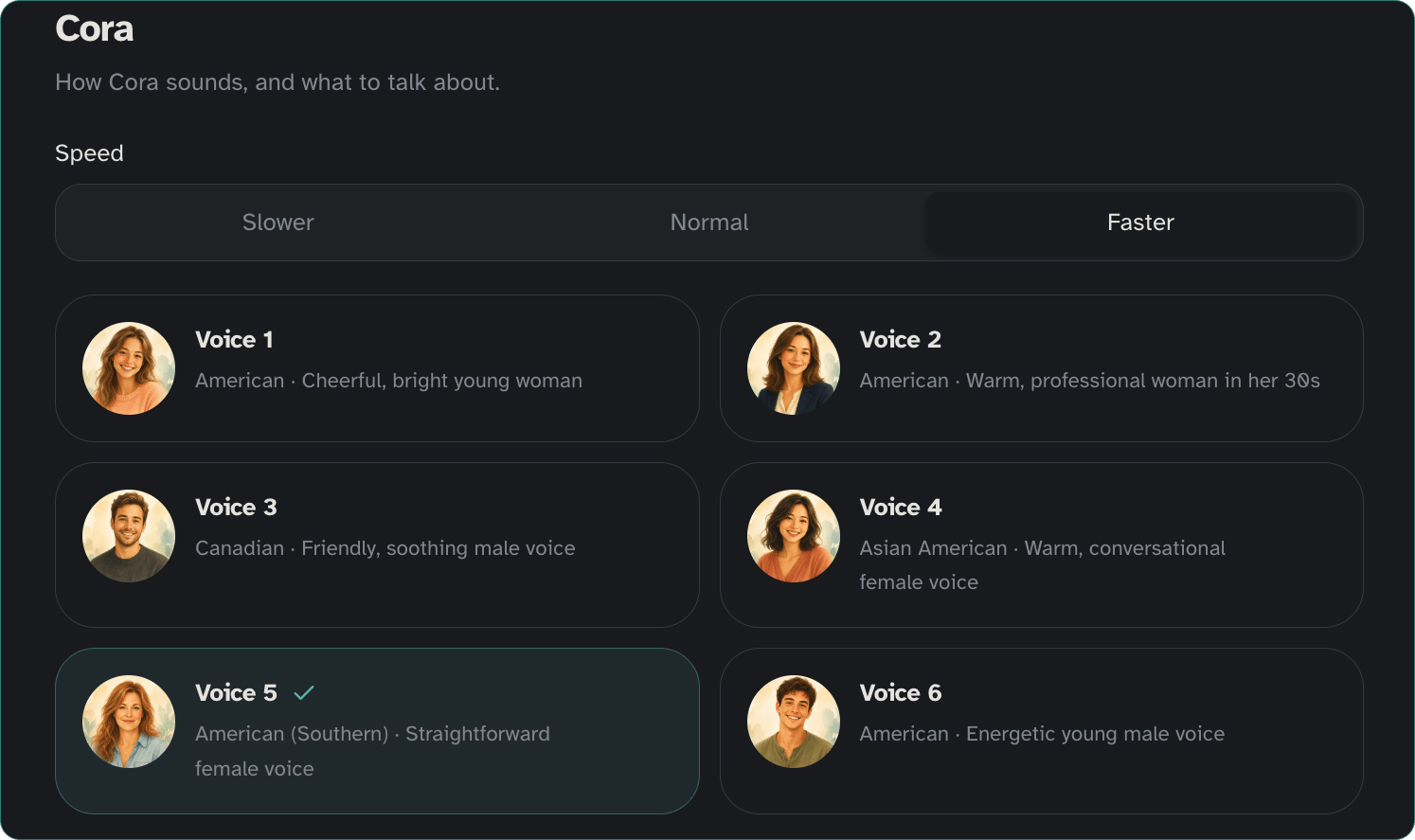
Cora Voice LightCora Voice Light

Topics

Under Topics, the subtitle is What to talk about on check-ins. Choose interests that fit them, then save. Those topics help shape later check-ins.